~ / notes / Adding fonts to Gimp
Adding fonts to Gimp
This article describes how to add fonts to Gimp.

Download the fonts from your favourite site (e.g. https://www.dafont.com)
Make sure ~/.fonts directory exists. Move your new fonts to this directory so that they are available for GIMP and any other program using fontconfig. Unzip if necessary.
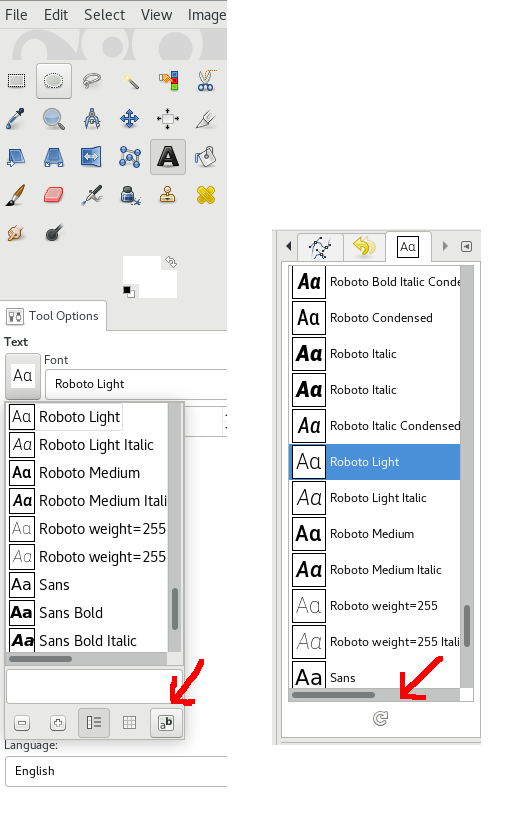
Refresh the GIMP fonts so you don’t have to restart Gimp: